
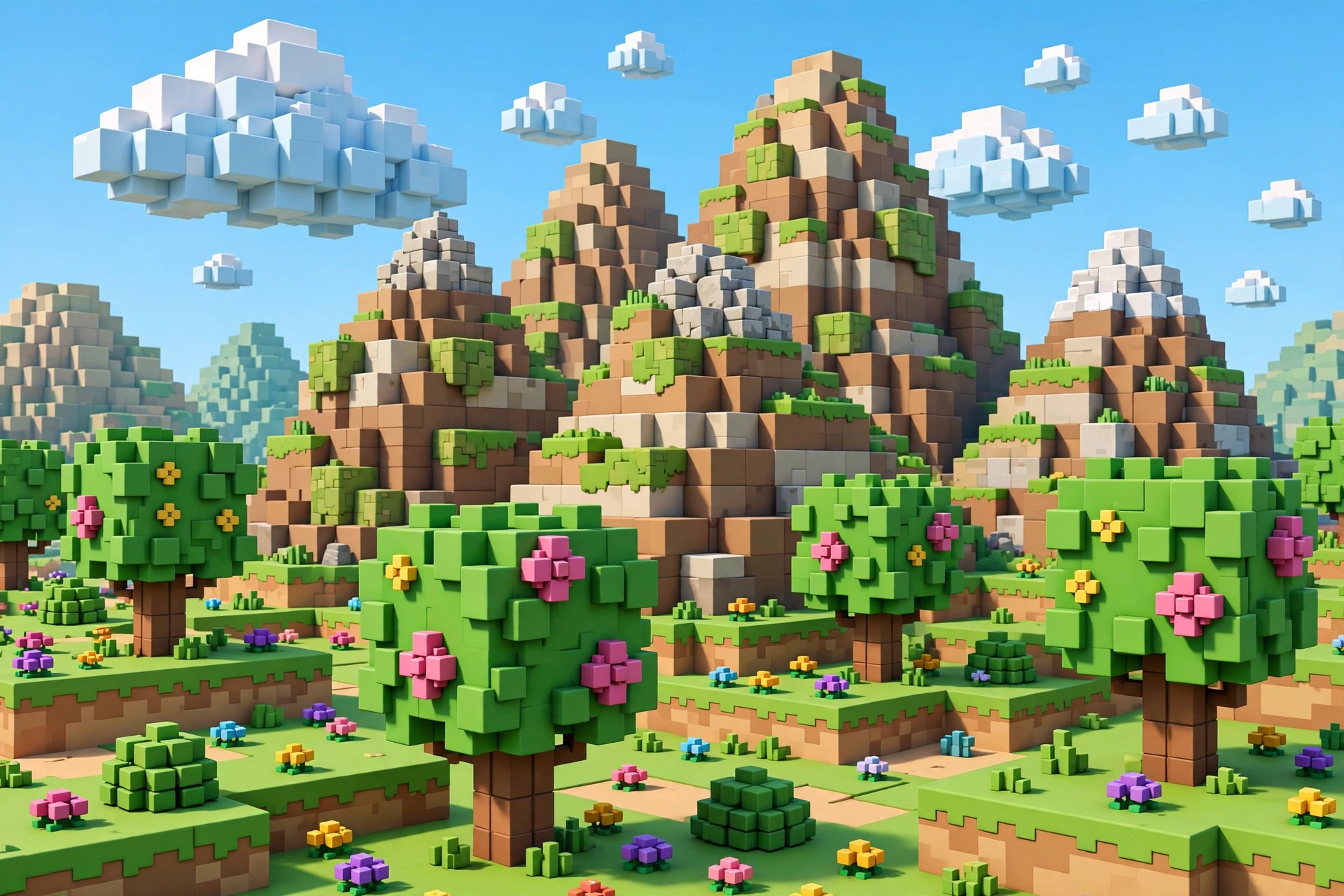
Minecraft on mobile — often still called “Pocket Edition” by longtime fans — is one of the best-selling mobile games ever, and it keeps getting better. Whether you are crafting your first dirt hut or building a redstone computer, this Minecraft mobile guide 2026 explains the editions, requirements, and smartest ways to play, plus how to avoid the fake “free Minecraft APK” traps that plague search results.
Important: Minecraft is a paid game. There is no legitimate free full version. Websites offering “Minecraft APK free download” are distributing pirated or malware-laced files. The only safe free option is the official trial.
Which Minecraft Is on Mobile?
The naming has changed over the years, which causes confusion. Here is the simple version:
Minecraft (Bedrock Edition)
This is the current mobile game, just called “Minecraft” on the Play Store. It is the Bedrock Edition — the same codebase as the console and Windows versions — which means cross-play with friends on Xbox, PlayStation, Switch, and PC. When people say “Pocket Edition” in 2026, they mean this.
Minecraft Trial
The official free trial, also on the Play Store. It gives you a limited world to explore and build in so you can try the game before buying. It is the only legitimate way to play Minecraft on Android for free.
Minecraft: Java Edition
The original PC version. It is not available on Android and cannot be installed on a phone through any legitimate means. Any “Java Edition APK” is fake.
Minecraft Mobile Guide 2026 System Requirements
Minecraft mobile is well optimized, but big worlds and render distances demand resources:
- Minimum: Android 6.0+, 2 GB RAM, 1 GB free storage
- Recommended: Android 9+, 4 GB RAM, 2 GB free storage
- Best experience: Recent mid-range or flagship chip, 6 GB RAM
Lower the render distance and turn off fancy graphics if your phone struggles — these two settings have the biggest performance impact.
How to Get It Safely
Buy on the Google Play Store
Search for “Minecraft” (developer: Mojang) and purchase it on the Google Play Store. You own it forever on your Google account, get automatic updates, and can install it on all your Android devices. It frequently goes on sale, so wish-list it if the price bothers you.
Try the free trial first
Not sure it is for you? Install “Minecraft Trial” from the Play Store. It is time-limited per world but gives you a genuine feel for building, crafting, and surviving.
What to avoid
“Free Minecraft APK,” “Minecraft premium APK unlocked,” “Minecraft Java APK for Android” — every one of these is either piracy, malware, or both. They are also pointless: the trial exists for cautious buyers, and the paid game is inexpensive. Never sideload Minecraft from unofficial sources.
Game Modes Explained
Survival Mode
The classic experience: gather resources, manage hunger and health, survive the night against zombies, skeletons, and creepers. Your first goal is always the same — shelter before dark.
Creative Mode
Unlimited blocks, flight, and no enemies. Perfect for ambitious builds and for kids. Many players spend most of their time here, treating Minecraft as digital LEGO.
Adventure and Hardcore
Adventure mode is for custom maps made by the community. Hardcore locks the difficulty to hard and deletes the world on death — only for the brave.
Minecraft Mobile Guide 2026 Beginner Tips
Your first day checklist
Punch trees for wood, craft a crafting table, make wooden tools, then upgrade to stone. Build a simple shelter before nightfall — even a dirt box with a torch works. Craft a bed as soon as you have wool; sleeping skips the dangerous night entirely.
Torches are life
Monsters spawn in darkness. Light up your shelter, mines, and paths with torches. Coal is plentiful — never explore caves without a stack of torches.
Never dig straight down
The oldest Minecraft rule still applies. Dig staircases instead, so you never fall into lava or a deep ravine unexpectedly.
Organize with chests early
Label chests (wood, stone, food, ores) from the start. An organized base saves enormous time later when your inventory overflows.
Try multiplayer
Joining a friend’s world or a family-friendly server multiplies the fun. Bedrock’s cross-play means your console and PC friends can join your mobile world.
Add-Ons, Marketplace, and Realms
The in-game Marketplace offers community-made skin packs, texture packs, and adventure maps — some free, most paid with Minecoins. Realms are Mojang’s official private servers: for a small monthly fee, you get an always-online world for you and your friends with no server setup. Both are safe, official, and support creators.
Parental Notes
Minecraft is one of the most parent-friendly games around: no graphic violence, strong creative and problem-solving elements, and robust multiplayer controls. Use the game’s settings to disable chat or restrict multiplayer to approved friends, and note that Marketplace purchases can be locked behind authentication.
Frequently Asked Questions
Is Minecraft free on Android?
The full game is paid. The official Minecraft Trial is free and lets you test the game. Any site offering the full game for free is distributing piracy or malware.
What is the difference between Pocket Edition and Bedrock?
They are the same thing — “Pocket Edition” was the old name for what is now simply Minecraft (Bedrock Edition) on mobile.
Can I play with friends on console or PC?
Yes. Bedrock Edition supports cross-play across Android, iOS, Xbox, PlayStation, Switch, and Windows. Sign in with a free Microsoft account to add friends.
How big is the Minecraft mobile download?
The base game is around 700 MB to 1 GB, with worlds and add-ons adding more. Keep 2 GB free for comfort.
Related Guides
- 15 Best Offline Games for Android 2026 (No WiFi Needed)
- 10 Best Offline Puzzle Games for Android 2026
- How to Update APK Files Manually on Android (2026)
Final Thoughts
Minecraft on mobile in 2026 is the full, real Minecraft — cross-play, endless updates, and infinite creativity in your pocket. This Minecraft mobile guide 2026 covered the essentials: buy it officially, try the trial if you are unsure, and steer clear of “free APK” scams. Then punch your first tree: adventure awaits.
3 thoughts on “Minecraft Mobile Guide 2026: Pocket Edition Explained”